When someone in Bengaluru types “physiotherapist near me” or “AC repair Koramangala”, the first thing they see isn’t a website. It’s a map with three businesses on it. Those three get most of the calls, and the selection is driven largely by one free listing: your Google Business Profile.
Most local businesses set theirs up once, years ago, and never touched it again. Meanwhile Google has changed a lot. The Q&A section is gone, an AI now answers customer questions about you, and verification works differently. This guide walks through what matters in 2026, step by step, and what to avoid so your profile doesn’t get suspended.
How Google decides who appears on the map
Google says local results depend on three things:
- Relevance: how well your profile and website match the search.
- Distance: how far you are from the searcher, or from the area named in the search.
- Prominence: how well known and trusted you are, from reviews, links, mentions and listings.
You can’t change distance. Everything in this guide works on relevance and prominence. In the 2026 Local Search Ranking Factors survey of local SEO experts, run by Whitespark, the profile itself carried about 32% of the weight for Maps rankings and reviews about 20%. The single most important factor was the primary category, followed by proximity and keywords in the business name.
What changed in 2025 and 2026
| Change | What it means for you |
|---|---|
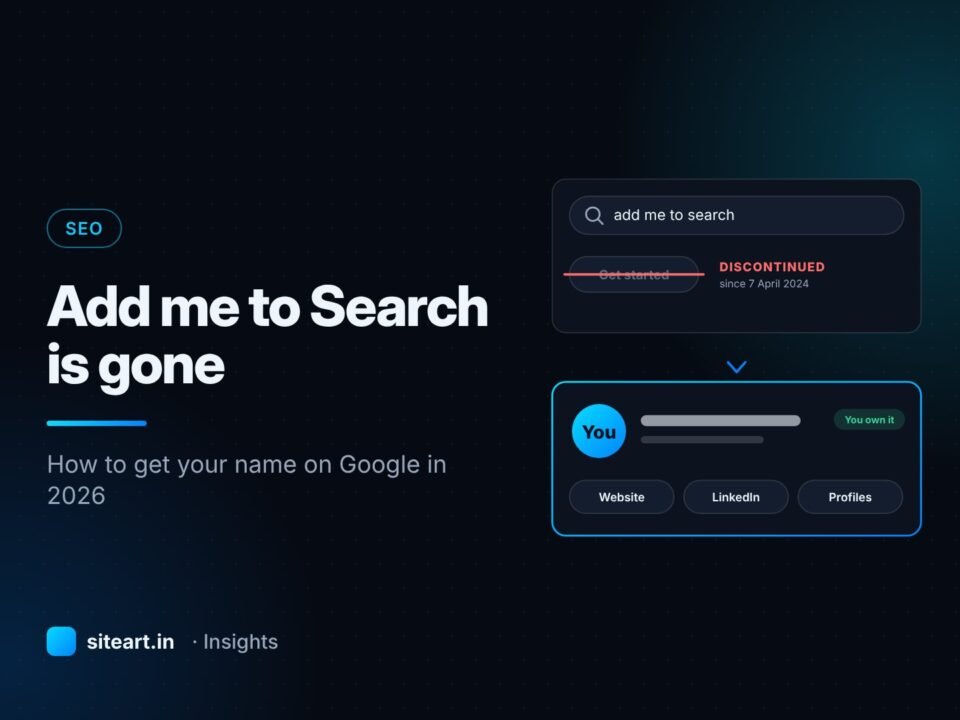
| Q&A retired | The Q&A API was discontinued on 3 November 2025 and the public section began disappearing in December. New profiles don’t have it. Put common answers in your description, services, photos and website FAQ instead |
| Ask Maps | A Gemini-powered feature answers customer questions about your business using your profile, reviews and website. Missing or vague information leads to vague answers |
| Video verification | Now the default route for many new listings. You record a continuous clip showing signage or a vehicle, your workplace and that you manage the business |
| AI review reply suggestions | Google is testing AI-drafted replies you can edit and send. Use them as a draft, not a template |
| Tighter enforcement | Keyword stuffing and AI-generated filler on profiles are now treated as suspension risks by local SEO experts |
The direction is clear: Google is replacing features you controlled with AI that reads everything about you. A complete, accurate profile and a clear website matter more than ever. We explain how AI tools choose which businesses to mention in AEO and GEO explained.
Step-by-step optimisation
1. Claim and verify the profile properly
Search for your business on Google Maps. If a listing exists, claim it; if not, create one at business.google.com using an email you control long term, ideally a business account rather than a staff member’s personal Gmail. Add your team as managers rather than sharing one login.
Google chooses how you verify. For video verification, prepare before you press record: clear exterior signage or a branded vehicle, the inside of your workplace, and something that shows you run the business, such as tools, stock, a GST certificate or your keys opening the shop. The clip must be continuous, so plan the route first.
2. Choose the right primary category
This is the most important choice on the profile. Pick the category that describes what you are, as specifically as possible: “Orthodontist” rather than “Dentist” if braces are your main business, “Interior designer” rather than “Designer”. Look at which categories the top three businesses for your main search use; tools and browser extensions can reveal them. Add a few accurate secondary categories, but don’t add every loosely related one.
3. Use your real business name
Your name on Google should match your signage and documents. “Sharma Dental Clinic” is fine. “Sharma Dental Clinic Best Dentist Jayanagar Root Canal” breaks Google’s guidelines, and competitors can report it. Keywords in the name do help rankings, which is exactly why Google suspends profiles that add them falsely.
4. Get your address, area and hours exactly right
- Use the same address format everywhere, including the PIN code and a landmark if customers need one.
- Check the map pin sits on your actual entrance.
- If you visit customers rather than receiving them, hide your address and set service areas by locality.
- Add special hours for festivals and holidays. Customers notice when Google says you’re open and you’re not.
5. Add a phone number and WhatsApp that someone answers
Use a number that’s answered during business hours. Many Indian customers prefer WhatsApp, so add it as a contact link if your category supports it. Our free WhatsApp link generator creates a click-to-chat link with a pre-filled message.
6. Write a description for customers, not for Google
You have 750 characters. Say what you do, who for, where, and what makes you different, in plain language. Mention your main services and areas naturally once. Don’t repeat keywords or paste AI filler; both are flagged as risks.
7. List every service and product
Add each service with a short description and a price or starting price where you can. This is how Google and Ask Maps learn that you do “wheel alignment” and not just “car repair”, and it answers questions the Q&A section used to.
8. Add real photos and short videos, regularly
Upload your exterior (so people can find you), interior, team, work and products. Photos are a modest ranking factor on their own, but they strongly affect whether someone calls you or the next business. Add a few new ones every month rather than fifty on day one.
Reviews: the part that keeps paying
Reviews are the second biggest group of ranking factors, and they decide most clicks. What matters, according to the 2026 survey, is a high average rating, the number of reviews with written text, how recent they are, and a steady flow over time rather than a burst.
- Ask every satisfied customer, at the moment they’re happiest: after a successful treatment, a delivered project, a good meal.
- Make it one tap. Send a direct review link on WhatsApp or print it as a QR code at the counter. Our free Google review link generator makes the link for you.
- Ask for specifics. “Would you mention which treatment you had?” leads to reviews that naturally include your services and area.
- Reply to every review, positive and negative, within a few days. Thank people by name and mention what they used.
- Handle negative reviews calmly. Acknowledge, apologise where it’s fair, and offer to fix it offline. Future customers read your reply more closely than the complaint.
Posts, updates and staying active
Google posts let you share offers, events and news on your profile. They aren’t a big ranking factor by themselves, but an active profile with recent photos, posts and replies signals a real, open business and gives customers a reason to choose you. A weekly post takes five minutes: a photo of recent work, a festival offer, a new service.
Connect the profile to your website
The profile ranks on the map; your website ranks in the results underneath, and both feed each other. Make sure:
- Your website shows the same name, address and phone number as the profile.
- Each main service has its own page, and each branch has its own location page.
- The profile links to the most relevant page, for example the branch page, not just the homepage.
- You add a UTM tag to that link so analytics shows how many visits come from Maps. Our UTM builder does it in seconds.
- Your site has an FAQ section answering the questions customers used to ask in Q&A.
List the business on other trusted sites too, with identical details: JustDial, Sulekha, IndiaMART, Practo for doctors, Zomato and Swiggy for restaurants, and the main directories in your industry.
Mistakes that get profiles suspended
- Adding keywords or locations to the business name that aren’t on your signage.
- Using a virtual office, co-working desk you don’t staff, or a residential address you don’t serve customers from as a storefront.
- Creating several profiles for the same business to cover more areas.
- Keyword-stuffed descriptions and posts.
- Buying reviews, review gating, or asking staff to post reviews.
- Changing the name, address and category many times in a short period.
If you’re suspended, fix the cause first, then appeal through Google’s Business Profile support with documents such as a shop licence, GST certificate, utility bill and photos of signage.
Monthly 30-minute checklist
| Task | How often |
|---|---|
| Reply to every new review | Every few days |
| Send review links to recent happy customers | Weekly |
| Publish one post or update | Weekly |
| Add three or four new photos | Monthly |
| Check hours, phone, services and prices are current | Monthly, and before every festival |
| Review Performance: calls, direction requests, website clicks | Monthly |
| Search your main keywords from your area and note your map position | Monthly |
When to get help
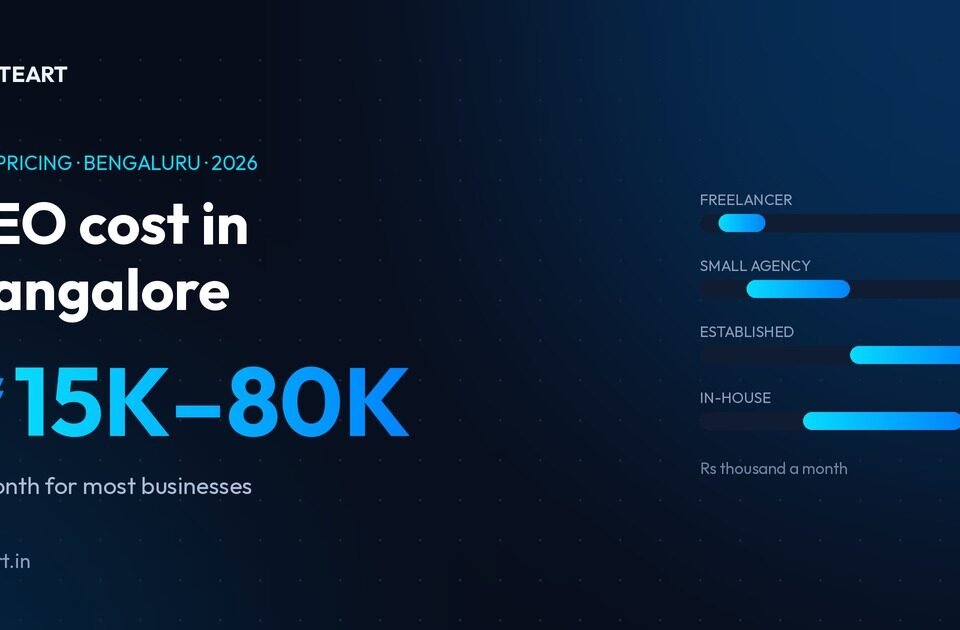
Most of this is work a business owner can do. Help is worth it when you have several branches, a suspended or duplicate profile, a competitive category such as clinics, legal or home services, or when your map position won’t move despite the basics. Our guide to SEO costs in Bangalore shows what local SEO typically costs, and our SEO service includes profile audits and review systems. You can also ask us to look at your profile.
Sources
- BrightLocal, How does the Google local algorithm work?: relevance, distance and prominence; ranking factor group weights from the 2026 survey.
- StoreRocket, Local SEO ranking factors: primary category ranked first of 187 factors in Whitespark’s 2026 survey.
- Whitespark, Local Search Ranking Factors 2026, and negative and suspension-risk factors.
- Breeze Development, Google Business Profile updates 2026 (September 2026): Q&A retirement dates and Ask Maps.
- Elev8d, The GBP changes you missed in 2025: video verification as the default for new listings.
- Uberall, The most important local search ranking factors: review factors from the 2026 report.
Google changes Business Profile features often. Check Google’s Business Profile help pages for the current rules before making major changes.